Microsoft Enhances Excel: Copilot Automates and Clarifies
Le brief IA que les pros lisent chaque soir
Les 7 actus IA du jour, décryptées en 5 min. Gratuit.
Inclus dès l'inscription : notre sélection des meilleurs guides & comparatifs IA.
Choisis ton rythme
Gratuit · Pas de spam · Désabonnement en 1 clic
Microsoft continues to innovate by integrating new features into Copilot in Excel, aimed at simplifying users' work through artificial intelligence. These additions focus on customization, automation, and simplified access to financial data, promising to significantly reduce repetitive tasks.
Excel is an essential tool for millions of professionals around the world. However, its use can become complex, especially when dealing with large or intricate datasets. Microsoft, with the help of Copilot, aims to lighten this burden by minimizing repetitive manipulations, allowing users to focus more on data analysis.
Task Automation with Copilot Skills
Among the new features introduced, Skills stand out for their ability to automate recurring processes. Instead of repeating the same actions each time, users can create templates that Copilot will follow automatically. For example, a company can set up a template to generate a financial report or organize a table, and Copilot will execute these tasks according to the predefined steps.
Additionally, Microsoft has introduced a customization feature that allows Copilot to apply user preferences. This includes work style, naming conventions, or certain calculation rules. Thus, users will no longer need to constantly remind the AI of their preferences, such as the position of a column in a table.
Developers also have the option to create their own skills via a SKILL.md file stored in OneDrive. These templates can be shared through the Microsoft marketplace, thereby expanding automation possibilities.
Direct Integration of Financial Data
Another major aspect of this update concerns the integration of financial data. Until now, obtaining this information often required going through several platforms before importing it into Excel. Microsoft simplifies this process by expanding the available connectors for Copilot.
Specialized providers such as FactSet, Morningstar, PitchBook, CB Insights, Daloopa, and S&P Global join the list of available data sources. This allows users to import market data, financial analyses, or company information directly into Excel, reducing copy-pasting and potential errors related to manual handling. However, it should be noted that some of these services require a separate subscription.
Increased Transparency with Plan with Copilot
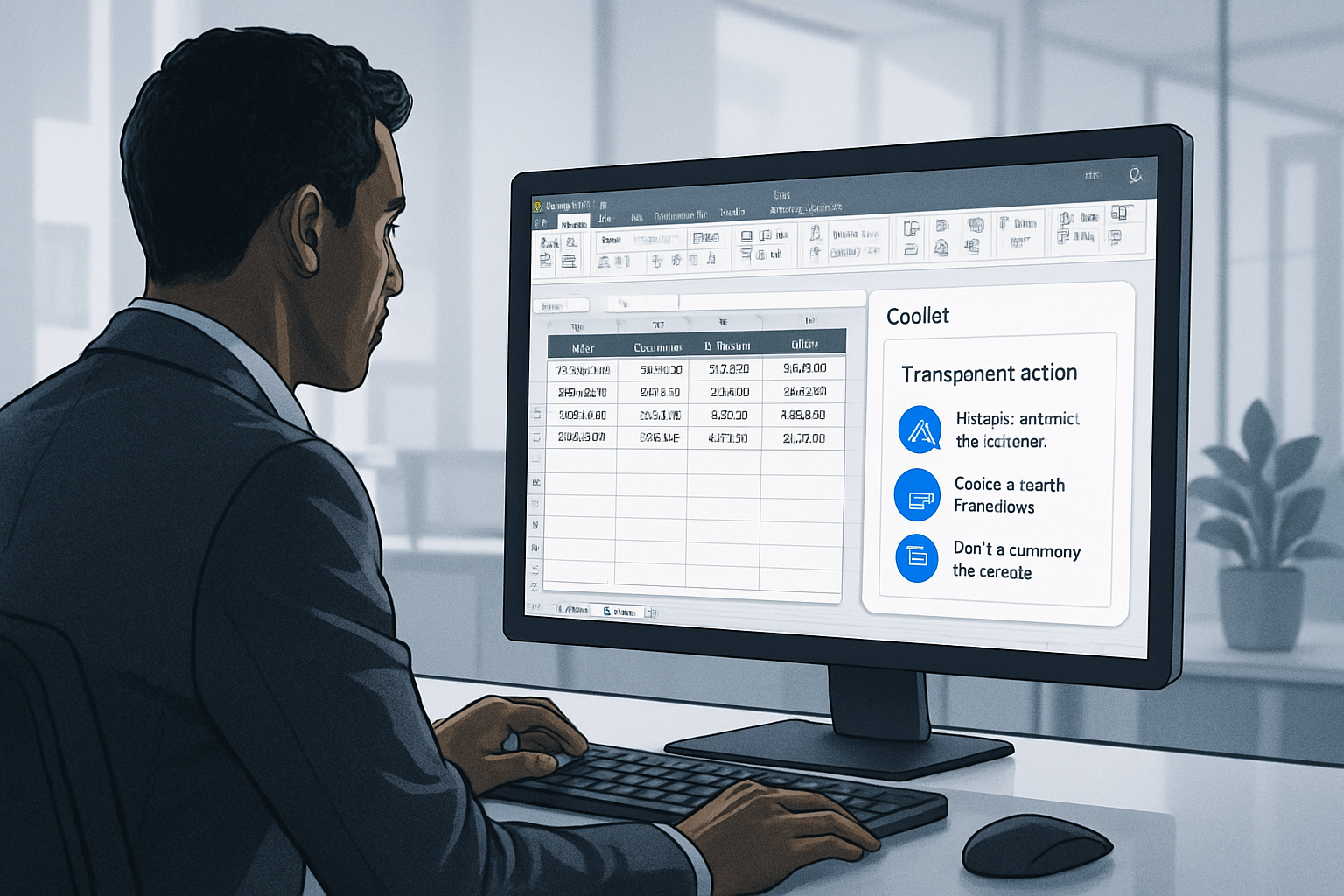
One of the common criticisms directed at AI assistants is their lack of transparency. Modifying a document without explanation can breed distrust, especially in the realm of numbers. To address this concern, Microsoft introduces the Plan with Copilot feature.
Before making changes, the assistant now presents a detailed action plan. The affected sheets, modified cells, formulas used, and assumptions made are displayed before user validation. After execution, each change is traceable in Excel's history, allowing users to distinguish between modifications made by Copilot and those made by a collaborator.
While this evolution does not completely eliminate the risk of error, it offers better visibility into the assistant's operations, a crucial point for companies concerned about the accuracy of financial data.
These new features are being gradually rolled out to Microsoft 365 Copilot subscribers on Excel for Windows, Mac, and the Web. The deployment of custom skills will continue in the coming weeks, while skills created by partners are expected in the third quarter of 2026.
Brief IA — L'actualité IA en français
L'essentiel de l'actualité de l'intelligence artificielle, décrypté et expliqué chaque jour.