OpenAI Codex Micro: a Customized and Cost-Effective Alternative
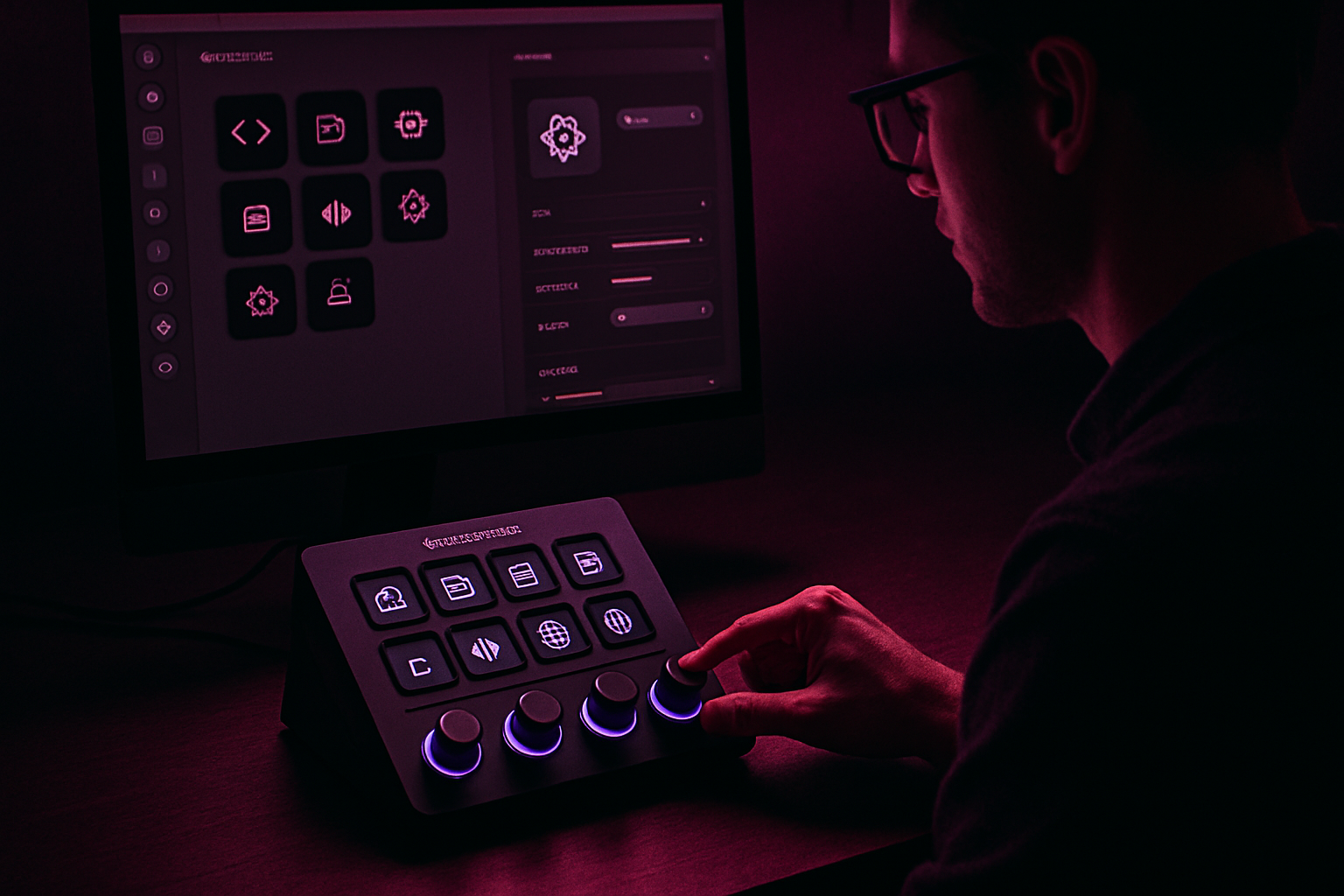
A Customized Alternative to OpenAI's Codex Micro
OpenAI's Codex Micro, priced at $230, experienced immediate success, selling out in record time. In response, a Stream Deck+ can be transformed into an equally effective, yet significantly more affordable alternative.
The Appeal of Customized Control Surfaces
Additional computer control devices are plentiful: keyboards, controllers, Stream Decks, including the Stream Deck+ equipped with four rotary knobs, the SpaceMouse for 3D design, and the Loupedeck.
When OpenAI launched the Codex Micro, excitement was in the air. Although the price of $230 might seem steep, the productivity benefits were enticing. The Codex Micro simplifies common actions like pressing Enter or clicking Cancel with dedicated keys. Unfortunately, the device sold out in just one day.
Features of the Codex Micro
Designed in partnership with Work Louder, a company specializing in custom keyboards, the Codex Micro comes with a detailed configuration page and an explanatory video.
The device offers three main features:
- Agent Keys: These keys allow switching between agents in Codex, with lighting indicating the status of the agents.
- Programmable Keys: These can be configured to accept or reject actions, manage sessions, and activate voice dictation. The Codex Micro comes with spare keys for increased customization.
- A Rotary Knob and a Joystick: The rotary knob is used to select the file processing mode, while the joystick facilitates navigation between features.
Using the Stream Deck as an Alternative
While the Codex Micro is appealing, the Stream Deck proves, in use, to be a superior solution due to its nearly infinite customization. Unlike the Codex Micro, the Stream Deck can be reconfigured at will.
Le brief IA que les pros lisent chaque soir
Les 7 actus IA du jour, décryptées en 5 min. Gratuit.
Inclus dès l'inscription : notre sélection des meilleurs guides & comparatifs IA.
Choisissez votre rythme
Gratuit · Pas de spam · Désabonnement en 1 clic
Moreover, it is more economical. A basic Stream Deck costs $149, while the Stream Deck+ is priced at $179 and includes eight buttons, a touch strip, and four rotary knobs. For those seeking even more features, the Stream Deck + XL with 36 programmable buttons and six adjustment wheels is available for $349.
Creating Custom Icons
To personalize the Stream Deck, the icons from the Codex Micro can be recreated: an image of the keyboard, taken from the product page, is imported into Photoshop to create new icons, which are then saved on the computer. An alternative is to purchase a pack of custom icons for $11.04.
Setting Up a Profile on the Stream Deck
In the Stream Deck application, a new dedicated profile is created. This profile is renamed and linked to the ChatGPT application, replacing the Codex app with ChatGPT.
Connecting and Customizing the Rotary Knobs
The Stream Deck allows for a variety of actions to be configured for each button or rotation. The rotary knobs can also serve as clickable buttons.
To emulate the rotary knob of the Codex Micro, an Action Trigger is added to the first rotary knob, allowing for three different actions. Shortcuts are programmed for the up and down arrows, along with a Hotkey Switch to toggle between two actions.
Advanced Customization of Buttons
The rotary knob allows access to the choice menu and selection of the desired option. The first shortcut is programmed for Shift-2, opening the menu, and the second for Enter, executing the chosen action.
Another menu, accessible from the chat interface, is the modes menu. The setup again uses Action Trigger, Hotkey, and Hotkey Switch actions. Clicking the rotary knob sends the character /, the rotary knob emulates the arrows, and a second click presses Enter to select the mode.
Conclusion
This setup results in a customized version of the Codex Micro on a Stream Deck+, providing a more affordable and flexible solution for productivity needs.
Brief IA — L'actualité IA en français
L'essentiel de l'actualité de l'intelligence artificielle, décrypté et expliqué chaque jour.