OpenAI: How to Avoid Astronomical Bills with the API
Le brief IA que les pros lisent chaque soir
Les 7 actus IA du jour, décryptées en 5 min. Gratuit.
Inclus dès l'inscription : notre sélection des meilleurs guides & comparatifs IA.
Choisis ton rythme
Gratuit · Pas de spam · Désabonnement en 1 clic
Users of the OpenAI API can easily find themselves with high bills if no control measures are put in place. It is crucial to understand how to set spending limits and activate caps to avoid financial surprises related to the use of artificial intelligence.
Understanding Usage Levels
Usage levels are an essential mechanism to prevent excessive spending from the outset of your interaction with the OpenAI API. For example, as long as you have not reached a total of $50 in API calls, you remain at Level 1. At this stage, even without having set a specific limit, OpenAI caps your spending at $100/month.
Once you reach $50 in spending, you move to Level 2, where the limit rises to $500/month. Upon reaching $100 in total spending, you access Level 3, with a spending capacity of $1,000/month. Finally, after spending $250, you enter Level 4, allowing you to spend up to $5,000/month.
These spending levels may seem high, but once you have spent $1,000 with OpenAI, the restrictions are significantly lifted, allowing you to spend up to $200,000 per month.
Understanding Spending Limits
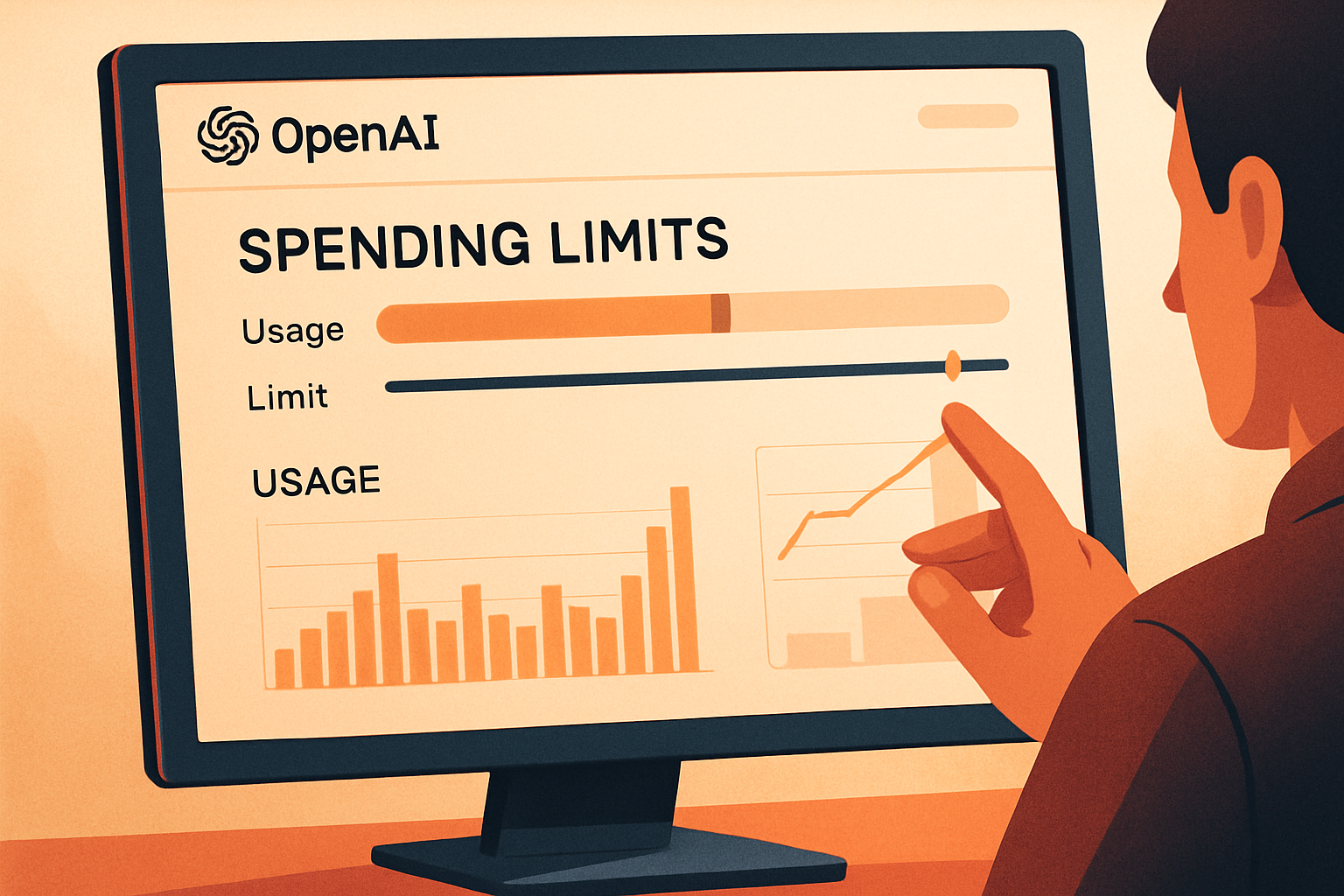
On the spending limits page, you can check your current level, for example, Level 1. It is important to note that this page states: "Your actual costs may exceed this based on usage." This means that unless you explicitly set a strict limit, OpenAI does not restrict your spending. The absence of strict limits allows your infrastructure to operate without interruption, but it can lead to additional expenses.
To avoid this, you can disable Auto Recharge using the toggle button. Once disabled, the limits page updates, and you will no longer be able to reactivate this option from that page. To do so, you will need to go through the Billing menu.
Setting a Strict Limit
If you prefer to prevent your actual spending from exceeding the limit you have set, it is possible to establish a strict limit. On the limits screen, click on Edit Spending Limit. You will then see a toggle button for Apply a Strict Limit. It is advisable to enable this option, especially if you are in the higher usage levels. This will result in your API calls being rejected with a 429 error, but it will prevent you from exceeding your budget. Ensure that your code is capable of handling this error during API calls.
Understanding Rate Limits
In addition to spending limits, OpenAI imposes rate limits. These regulate the number of requests per minute and per day, as well as the number of tokens per minute and per day, depending on the model used. OpenAI explains that these restrictions are in place to "protect against abuse or inappropriate use of the API," "ensure fair access to the API," and "help manage the overall load on its infrastructure."
Conclusion
In conclusion, it is essential to establish spending limits to prevent AI from exceeding your budget. Rate limits are easy to configure and provide an effective solution to protect your account. While they do not shield you from all unforeseen circumstances, they help you better manage your expenses related to the use of the OpenAI API.
Brief IA — L'actualité IA en français
L'essentiel de l'actualité de l'intelligence artificielle, décrypté et expliqué chaque jour.