OpenAI Integrates ChatGPT into PowerPoint: A Promising Yet Cautious Tool
Le brief IA que les pros lisent chaque soir
Les 7 actus IA du jour, décryptées en 5 min. Gratuit.
Inclus dès l'inscription : notre sélection des meilleurs guides & comparatifs IA.
Choisis ton rythme
Gratuit · Pas de spam · Désabonnement en 1 clic
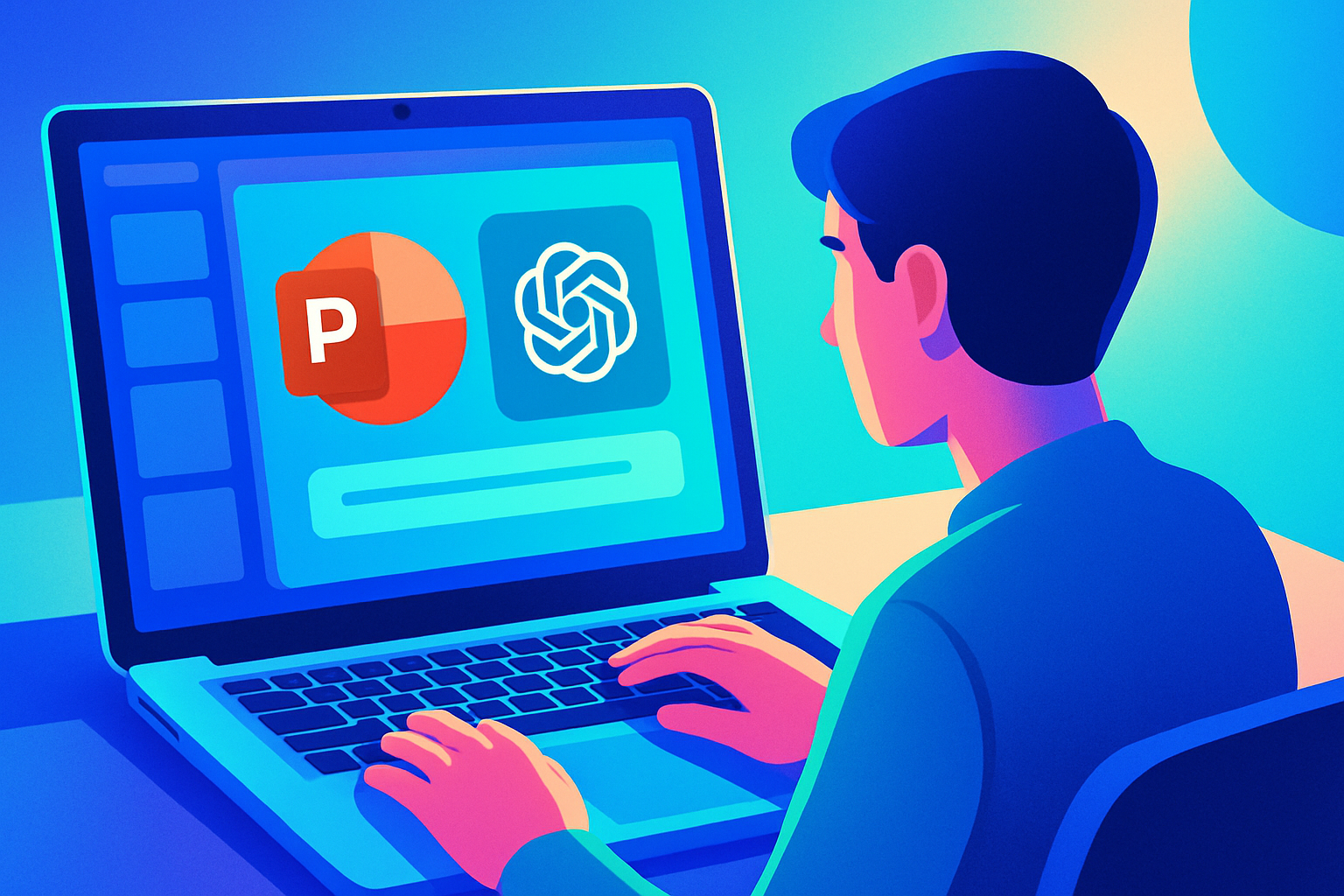
OpenAI recently unveiled a ChatGPT plugin designed to integrate directly into PowerPoint, currently available in beta. This new tool allows users to connect via their OpenAI account, with access varying depending on the chosen plan and administrative settings.
The plugin offers several interesting features. It can generate new presentations from notes, documents, spreadsheets, or images. Additionally, it is capable of modifying existing slides and answering questions regarding the structure of a slideshow, its potential gaps, and the target audience.
Primarily intended for professional use, this tool aims to optimize workflows for tasks such as quarterly reports, client briefings, and strategic presentations. It is compatible with other applications like Gmail, Outlook, and SharePoint, and is available for all user levels, from free to Enterprise.
However, OpenAI warns that some features, particularly complex formatting and custom fonts, are not yet fully supported. Users are therefore advised to be precise in their requests and to check the changes made by the plugin. OpenAI also recommends backing up important slideshows before allowing the plugin to make modifications. Additional information can be found in the Help Center and on the use cases page.
Brief IA — L'actualité IA en français
L'essentiel de l'actualité de l'intelligence artificielle, décrypté et expliqué chaque jour.