OpenAI Launches Space to Create Pages in ChatGPT
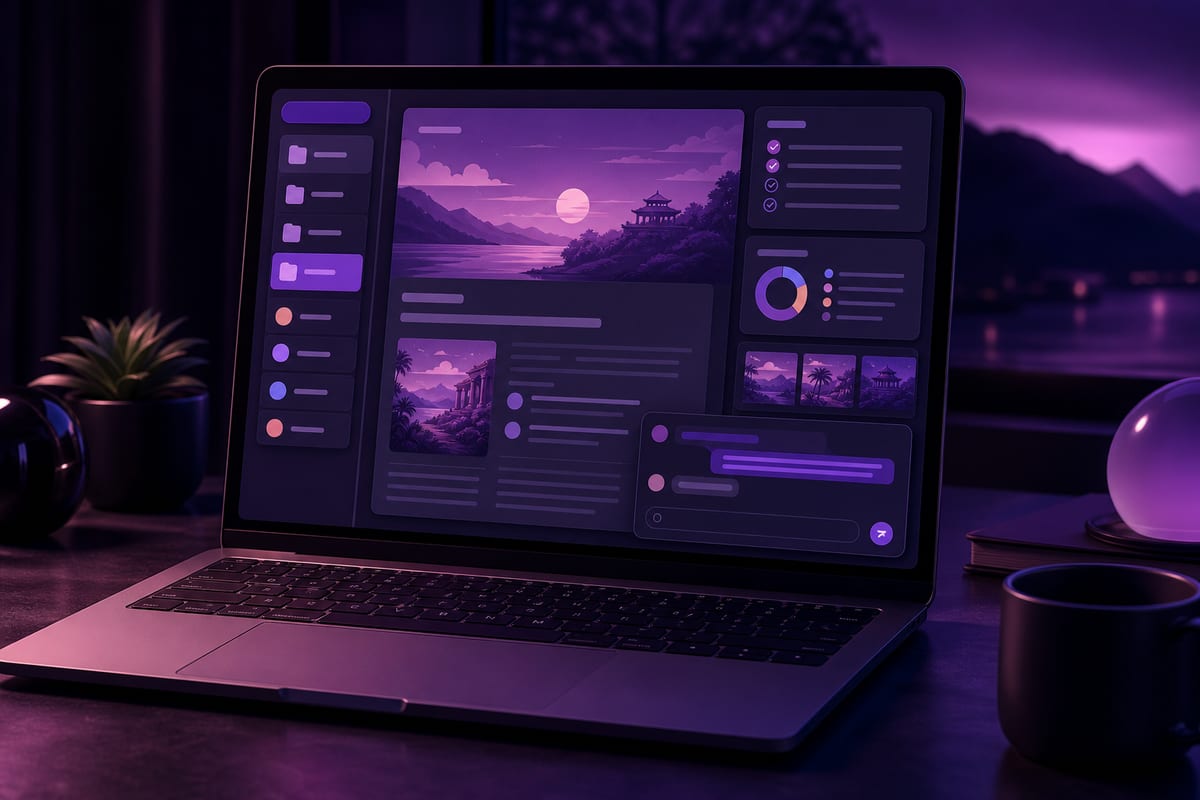
OpenAI is rolling out Space to ChatGPT Plus subscribers aged 18 and over, allowing them to create pages and presentations. This space replaces Library in the sidebar menu. It combines direct editing, AI interventions, and collaborative work, with sharing access reserved for eligible paid accounts.
Sharing Requires an Eligible Paid Subscription
A page sent to a recipient is only accessible to them if they have a ChatGPT account with an eligible paid plan. No public link is provided for these pages. To invite another Plus subscriber to edit them, the invitation is sent to the email address linked to their ChatGPT account.
The availability of different tools is not simultaneous: slides follow their own rollout, while Sheets is announced to be coming soon. The appearance of Space in the menu may also take time for the affected users.
Space Organizes Content on Three Levels
The same name covers several levels: Space refers to the whole, while a “space” corresponds to a collection. The organization consists of three levels, down to the page where the work is done. The general area gathers documents, presentations, images, and imported files; each collection brings together pages and associated files.
Le brief IA que les pros lisent chaque soir
Les 7 actus IA du jour, décryptées en 5 min. Gratuit.
Inclus dès l'inscription : notre sélection des meilleurs guides & comparatifs IA.
Choisissez votre rythme
Gratuit · Pas de spam · Désabonnement en 1 clic
For a trip to Japan, a collection might contain an itinerary, a budget, a packing list, or an interactive guide. Content created with AI remains available for reuse: an itinerary can notably become an interactive planner, shareable and updatable as the trip evolves.
The user can intervene themselves on a page or have ChatGPT modify it, including inserting graphics and interactive elements. When a page is created in a collection, a conversation command is located in the bottom right corner. Invited collaborators have editing and commenting functions; they can also request ChatGPT to make changes.
Presentations and Updates with Connected Tools
Creating a presentation can start with a template or a blank document. Generative AI also allows for repurposing existing content to change its format, for example, converting an itinerary into a presentation. It connects to the history of exchanges as well as to projects already present in ChatGPT.
OpenAI further states that pages and slides can be automatically updated using connected applications and tools. The company cites the case of a project plan whose content would reflect decisions made on Slack.
Brief IA — L'actualité IA en français
L'essentiel de l'actualité de l'intelligence artificielle, décrypté et expliqué chaque jour.