OpenAI Enables ChatGPT to Summarize and Rephrase iMessages on Mac
Le brief IA que les pros lisent chaque soir
Les 7 actus IA du jour, décryptées en 5 min. Gratuit.
Inclus dès l'inscription : notre sélection des meilleurs guides & comparatifs IA.
Choisis ton rythme
Gratuit · Pas de spam · Désabonnement en 1 clic
OpenAI offers a ChatGPT plugin for Mac that is connected to Apple Messages. It goes beyond simply sending or searching for texts by describing the tone of conversations and suggesting phrasing. Using it requires installing the integration and granting access to iMessages, with a send confirmation that can be made automatic for each conversation.
The AI Describes the Tone of Conversations and Suggests Rephrasings
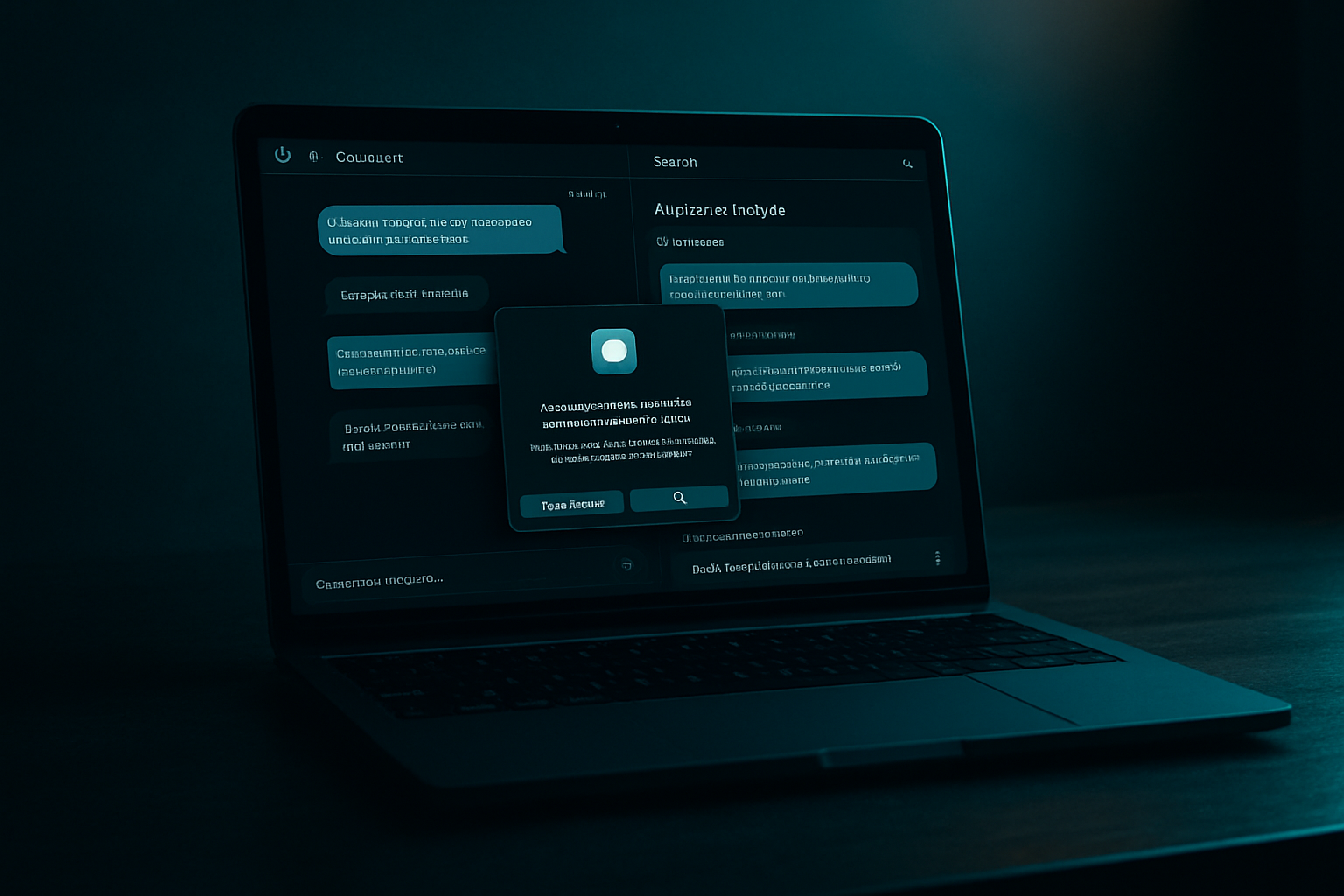
ChatGPT can analyze a conversation in response to a prompt like “Analyze my messages in @Messages with [person's name].” The tool then describes the tone and dominant themes and highlights other notable elements of the exchange. It can also suggest ways to improve communication. In one example, a message sent to a test account complained about repeated dinner cancellations. It was assessed that the wording could put the recipient on the defensive, and a phrasing more likely to elicit a productive response was proposed. The person who experimented with this approach found the suggestion enlightening and helpful.
Sending, Searching, and Summarizing via @Messages Prompts
Beyond analysis, the plugin allows users to send texts and search through history. To compose a message, a prompt such as “Send the following message to [name] using @” is entered, then “Messages” is selected from the list of plugins before submitting the text. Sending requires manual validation, with the option to “always allow” for a given conversation to avoid future confirmations. Searching and summarizing messages can be done with prompts like “Search and summarize all messages in @Messages that mention [topic]” or “... to [person's name].” The results are returned for review. It remains possible, independently of the plugin, to send messages directly from the Apple Messages app.
Mac Availability and Installation of the Apple Messages Plugin
OpenAI has launched a plugin linking ChatGPT to Apple’s iMessages, available only on Mac. To use it, one must first update the ChatGPT app via the dedicated menu. The module is then added from Settings, under the Integrations section, by navigating through the plugin directory: a search for “Messages” reveals Apple Messages, which can be installed with ease. Operational access requires granting ChatGPT the necessary permissions to read the iMessages and SMS on the Mac. The AI must access the content of exchanges to generate its responses, a choice that carries privacy implications.
Thematic Summaries: A Case Around “Mr. Giggles”
A demonstration request involved searching for and summarizing all messages mentioning “Mr. Giggles.” ChatGPT returned results that could be reviewed, highlighting the main topics of the exchanges. In this same interaction, the tool also brought to light key elements from veterinary consultations over the years, as well as other information deemed useful.
Brief IA — L'actualité IA en français
L'essentiel de l'actualité de l'intelligence artificielle, décrypté et expliqué chaque jour.