OpenClaw Turns Your Mac Mini into a Local LLM Hub
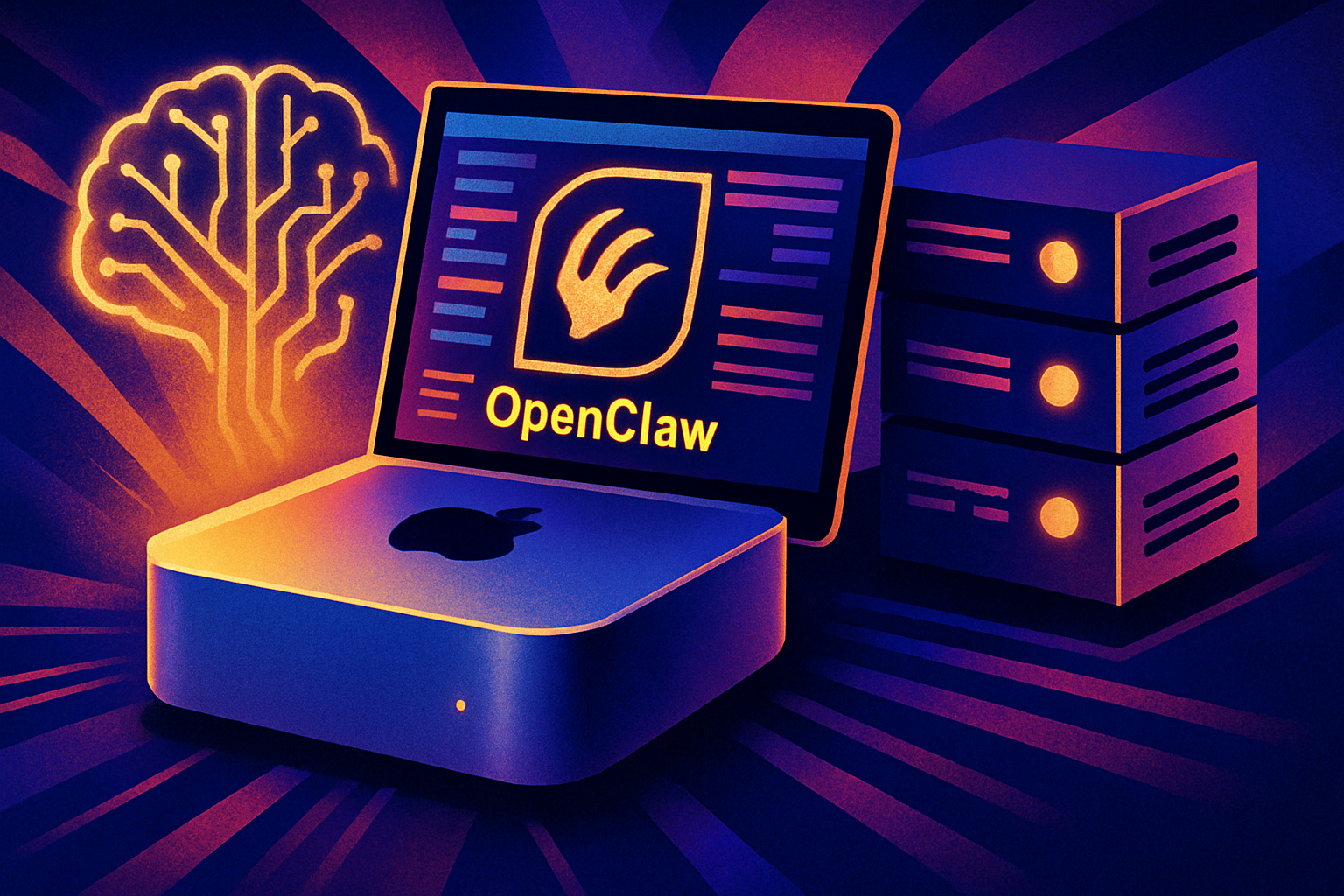
Tired of the high costs associated with APIs for your language models? OpenClaw offers an efficient solution to turn your Mac Mini into a local execution platform for a large language model (LLM). Here’s how to set up this powerful tool hassle-free.
Steps to Set Up OpenClaw
To get started, download OpenClaw from its official repository. Make sure you have Homebrew installed, which will allow you to easily manage the necessary dependencies. Next, clone the OpenClaw GitHub repository directly onto your machine. Once that’s done, configure your LLM settings in the provided configuration file. Finally, launch the local server to start interacting with your LLM.
Le brief IA que les pros lisent chaque soir
Les 7 actus IA du jour, décryptées en 5 min. Gratuit.
Inclus dès l'inscription : notre sélection des meilleurs guides & comparatifs IA.
Choisissez votre rythme
Gratuit · Pas de spam · Désabonnement en 1 clic
Benefits of a Local LLM
Choosing a local LLM has several notable advantages. First, it significantly reduces costs by eliminating the recurring fees associated with APIs. Additionally, you gain complete control over your model, allowing you to customize and optimize it according to your specific needs. In terms of security, keeping your sensitive data on your own machine is a major asset.
With OpenClaw, running an LLM on your Mac Mini becomes an accessible and cost-effective reality. Enjoy the power of artificial intelligence while avoiding the constraints and risks associated with cloud services.
Brief IA — L'actualité IA en français
L'essentiel de l'actualité de l'intelligence artificielle, décrypté et expliqué chaque jour.