OpenCode 2026: Free Access to AI Models, Here's How
Le brief IA que les pros lisent chaque soir
Les 7 actus IA du jour, décryptées en 5 min. Gratuit.
Inclus dès l'inscription : notre sélection des meilleurs guides & comparatifs IA.
Choisis ton rythme
Gratuit · Pas de spam · Désabonnement en 1 clic
OpenCode: A Popular Open Source Coding Tool
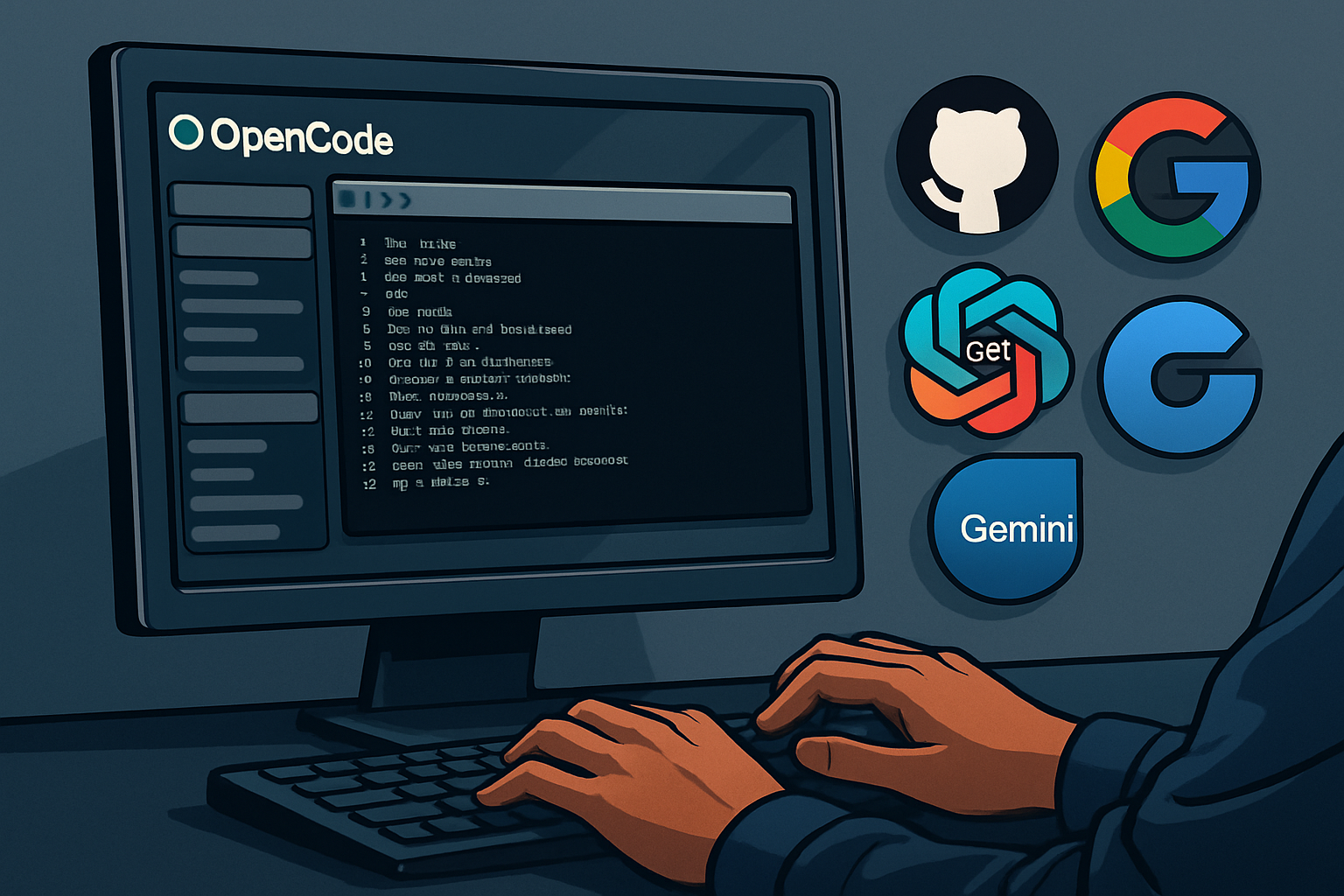
OpenCode has established itself as a highly popular open source coding agent, amassing an impressive number of stars on GitHub. However, to take advantage of the free models it offers, it is essential to know the five distinct sources that are never listed together in the same guide. This article aims to fill that gap by providing clear instructions.
Key Concepts to Master
To navigate effectively in the world of OpenCode, it is crucial to understand certain technical terms. A terminal is a tool that allows you to interact with your computer without using a mouse. A model, such as GPT or Gemini, represents an artificial brain rented for various tasks. An agent is a model capable of manipulating your files: it can open, modify, run tests, and analyze errors. A token is a unit of textual measurement, and all the limitations you encounter will be expressed in tokens. Finally, the context window refers to the model's short-term memory, a limited space where all necessary information must be contained.
Why Are These Models Free?
AI labs, when launching new models, often prioritize user feedback and short-term visibility over financial gains. Thus, during the launch phase, these models are offered for free, much like food samples in supermarkets. As a user, you are not enjoying a service without a return; you are participating in an essential testing group for product improvement.
Ten-Minute Setup Guide
To get started with OpenCode, download the installer and run it in one go. If you are cautious, first check the instructions at opencode.ai/install. Here is the command to use:
curl -fsSL https://opencode.ai/install | bash
For those using Node, a similar result can be achieved via npm:
npm install -g opencode-ai
A step often overlooked but crucial is to navigate to your project folder before launching OpenCode:
cd my-project
Then, simply launch OpenCode:
opencode
Exploring Free Models
Zen: The Gateway to Free Models
By typing /models in OpenCode, you access a gateway managed by the team called Zen, which offers various models in the launch phase, all for free. Currently, this includes Grok Code Fast 1 from xAI, GLM, MiniMax, and a discreet model from an unnamed lab, nicknamed Big Pickle. Access is simplified: a single identifier is sufficient, with no credit card required. Free models change every month.
GitHub Copilot: A Valuable Allocation
If you have a GitHub account, you can benefit from free AI queries. The free tier of Copilot offers 50 premium queries per month that OpenCode can utilize. To do this, type /connect, select GitHub Copilot, go to github.com/login/device, and enter the provided code. It’s that simple.
Gemini: A Generous Offer from Google
Google provides about 1,500 free queries per day via Gemini Flash, reset daily. To take advantage of this, obtain a free key at aistudio.google.com, no card required, and set it up once in OpenCode. You can then choose a Gemini model in /models.
OpenRouter: Maximizing Free Models
OpenRouter is a marketplace that aggregates models from various labs, with over 28 free models available. By loading $10 of credit once, your quota of free models increases to 1,000 per day, which is twenty times more, permanently.
Brief IA — L'actualité IA en français
L'essentiel de l'actualité de l'intelligence artificielle, décrypté et expliqué chaque jour.