Optimizing LLMs: 12 Strategies to Reduce Costs and Latency
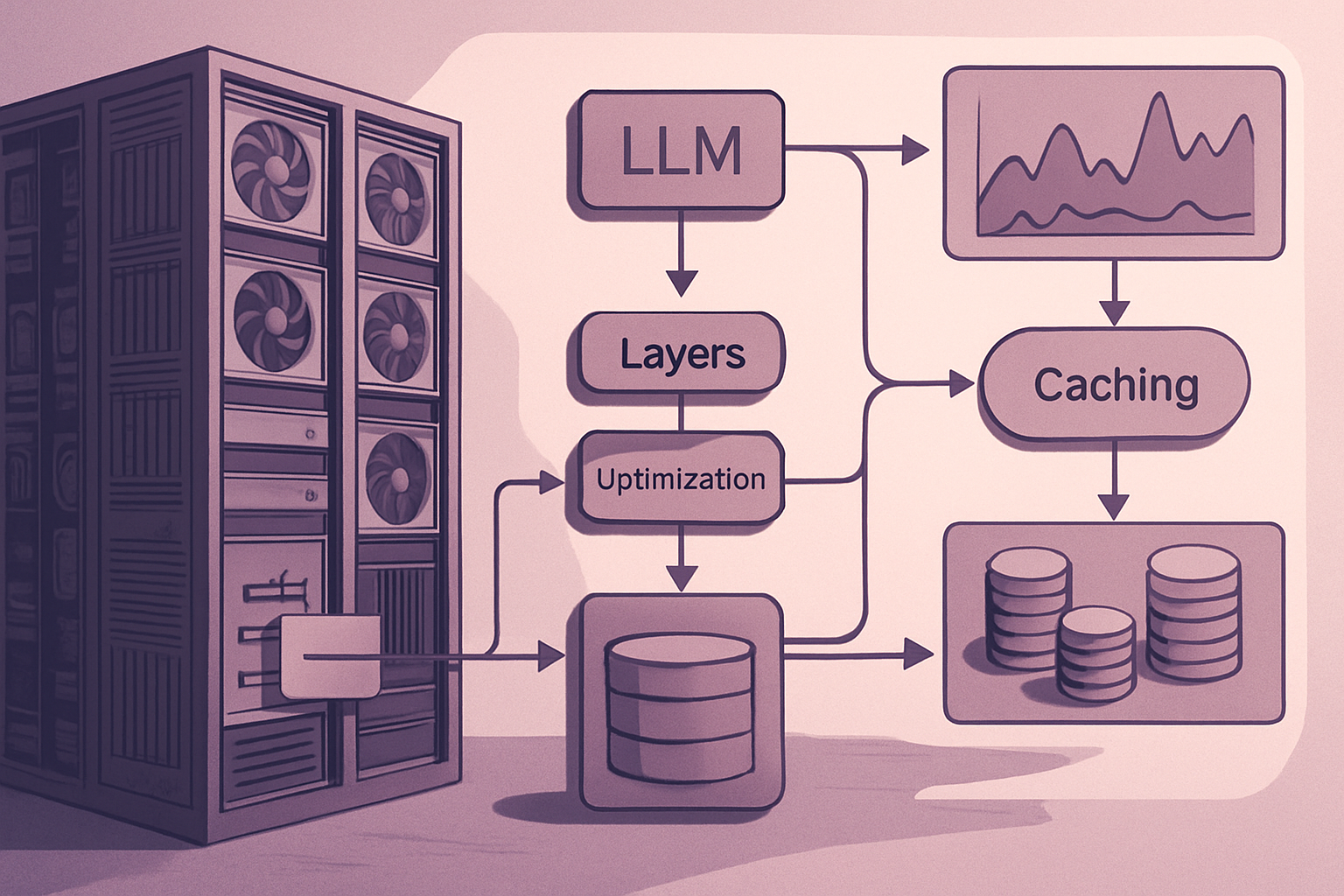
Introduction to the Challenges of LLMs in Production
Large Language Models, or LLMs, have become essential tools in many modern applications. However, deploying them can quickly reveal unexpected challenges in terms of costs and latency. During prototyping phases, systems often seem to run smoothly: user numbers are low, model calls are limited, and prompts are short, resulting in acceptable response times. But once in production, reality changes. Traffic spikes can overwhelm the system, requests pile up, and conversations lengthen. Retrieval-Augmented Generation (RAG) pipelines add layers of complexity by integrating large contexts into each prompt. Agents, which previously called only a single tool, now invoke multiple ones, and the initially generous output limits insidiously increase latency and costs. The key to solving these problems does not necessarily lie in acquiring better models or more GPUs, but rather in optimizing existing tasks: reducing the number of tokens, decreasing calls, using smaller models for simple tasks, effectively reusing cache, and minimizing time spent in queues.
1. Measuring the Right Latency Metrics
Before seeking optimization, it is crucial to understand where time is actually being spent. End-to-end latency is a useful measure, but it is not sufficient to identify the causes of slow responses. A production LLM system should track several key metrics:
- Wait Time: the duration a request remains pending before processing begins.
- Time to First Token (TTFT): the delay before the user sees the first token of the streaming response.
- Inter-Token Latency: the speed at which the model generates each subsequent token.
- End-to-End Latency: the total time elapsed from request to complete response.
- Input and Output Token Counts: key factors influencing inference costs.
- Cache Hit Rate: the frequency with which prompt, retrieval, or response caches avoid repeated work.
- Tool and Retrieval Latency: time spent outside the model itself.
- P50, P95, and P99 Latency: these queue latency measures are often more relevant than the average.
For example, a high TTFT may signal overly long prompts, slow retrieval, or a queue. High inter-token latency may indicate an oversized model, an overloaded GPU, poor batch configuration, or memory pressure. Without these metrics, teams risk optimizing the wrong bottlenecks.
2. Aggressively Reducing Output Tokens
Output tokens generated by a model are often the most obvious source of latency and cost. Each completion token must be generated sequentially by the model. Thus, a response twice as long can take about twice as long to produce and cost significantly more. To mitigate this issue, several strategies can be implemented:
- Set realistic max_tokens limits or completion expectations.
- Request concise responses when users do not need lengthy explanations.
- Use stop sequences when appropriate.
- Avoid asking the model to rephrase the user's question.
- Use compact JSON schemas and shorter field names.
- Remove unnecessary summaries, warnings, and repeated context from outputs.
- Separate "short answer" and "detailed explanation" modes in the product's user interface.
For instance, an internal support assistant may only need a three-point response and a source link, without requiring a default 700-word explanation. A simple rule to follow is not to pay for tokens that the user will not read.
3. Directing Requests to the Smallest Capable Model
Not all tasks require the largest or most expensive model. Many production workflows are repetitive and structured, such as sentiment analysis, content moderation, structured JSON generation, or basic summarization. These tasks can often be executed on a smaller model, offering acceptable quality, lower cost, and faster responses. An effective approach is model routing:
- Send simple requests to a low-cost small model.
- Assess confidence, complexity, or output quality.
- Escalate difficult requests to a more powerful model only if necessary.
You can route based on factors such as prompt length, task type, user level, model confidence, retrieval quality, or a lightweight classifier. This approach avoids making your most capable model the default response for every request.
4. Reducing the Number of LLM Calls
A common mistake in production is building workflows with too many sequential model calls. For example, an agent may classify the user's request, rewrite the request, retrieve documents, summarize the retrieved documents, generate a response, critique the response, and then rewrite the response. Each call adds latency, cost, failure points, and operational complexity. It is essential to look for steps that can be combined. A single well-designed prompt with structured output can replace two or three model calls. Also, identify steps that do not need an LLM at all. Use deterministic code for:
Le brief IA que les pros lisent chaque soir
Les 7 actus IA du jour, décryptées en 5 min. Gratuit.
Inclus dès l'inscription : notre sélection des meilleurs guides & comparatifs IA.
Choisis ton rythme
Gratuit · Pas de spam · Désabonnement en 1 clic
- Field validation
- Simple routing rules
- Permission checks
- Database queries
For independent tasks, run them in parallel. Retrieval, classification, and background enrichment often do not need to wait for one another.
5. Designing Prompts for Prefix Caching
Prompt caching is one of the most effective ways to reduce cost and time for repeated long prompts. Most LLM systems have stable content that appears in every request, such as system instructions, tool definitions, few-shot examples, product documentation, long reference material, and static context for a workflow. Place this reusable content at the beginning of the prompt. Put changing content later, such as conversation state, current timestamps, retrieved passages, and user-specific data. This order is important because changing content at the beginning of the prompt can invalidate the reusable prefix. A well-structured prompt can turn a long repeated context into a cache instead of paying to process it from scratch for each request.
6. Adding Multiple Layers of Cache
Prompt caching is useful, but it should not be the only caching in your system. A production LLM application can benefit from multiple layers of cache:
-
Exact Response Cache: store responses for identical requests. This works well for stable questions such as "What are your pricing plans?", "How do I reset my password?", or "What is your refund policy?" Use versioning and time-to-live (TTL) values so that outdated responses are not served indefinitely.
-
Semantic Cache: a semantic cache can reuse a response when a new request is very similar to a previous one.
-
Retrieval Cache: cache embeddings, search results, reevaluation results, and document snippets for repeated queries.
-
Tool Result Cache: many agent tools produce deterministic or slowly changing data. Cache outputs from APIs, database queries, product searches, and web retrievals when freshness requirements allow.
The goal is simple: do not keep asking the model to process information that your system already knows.
7. Managing Your Retrieval-Augmented Generation Context Budget
RAG can improve accuracy, but it can also become a major source of latency and cost. A typical failure model looks like this: retrieving too many documents, adding complete passages without reevaluation, including duplicate snippets, keeping all conversation history, adding raw tool outputs and HTML, and sending everything to the model "just in case." The result is a large prompt that is costly to process, slower to generate, and often less accurate because the model has to sift through irrelevant information. Instead, use a context budget: retrieve fewer documents, reevaluate before sending content to the model, deduplicate overlapping snippets, remove navigation text, boilerplate, and HTML, use concise summaries for older conversation turns, include only the tool output necessary for the current decision, and set separate token budgets for system instructions, retrieved context, chat history, and output. More context is not always better context.
8. Moving Non-Interactive Work to Batch Processing
Not all LLM tasks require an immediate response. Tasks such as bulk summarization, report generation, knowledge base processing, overnight workflows, and large-scale extraction should generally be executed asynchronously. Batch processing can reduce costs and shield interactive user traffic from background workloads. Keep real-time systems focused on requests that directly affect users. Send offline jobs to lower-priority queues, batch APIs, or scheduled workers. This separation enhances user experience while making infrastructure usage more predictable.
9. Tuning Batch Processing for Latency, Not Just Throughput
Batch processing helps GPUs efficiently handle multiple requests. However, larger batches are not automatically better. Aggressive batch processing can improve throughput while increasing wait times and harming TTFT. A system may appear efficient from a GPU utilization perspective while users experience slow responses. Adjust batch processing against user-oriented service level objectives: maximum acceptable wait time, P95 and P99 TTFT, inter-token latency, volume of simultaneous requests, average prompt and output lengths, and priority of interactive work over background work. For self-hosted models, continuous or in-flight batch processing is often valuable as completed requests can leave the batch while new requests enter. The goal is not maximum GPU utilization. The goal is the best user experience within an acceptable cost envelope.
10. Carefully Managing Key-Value Cache and Context Length
Long-context workloads can quickly consume GPU memory. The key-value (KV) cache stores information necessary for token generation. As context windows and simultaneous requests increase, KV cache memory becomes a major constraint on infrastructure. This can lead to request preemption, reduced concurrency, and memory failures. To manage this, set realistic limits for: maximum context length, maximum output length, simultaneous requests, conversation memory per user, number of retrieved snippets, and tool output size. Paged KV cache systems, KV cache quantization, and memory-aware scheduling can help, but they must be validated against your actual workload. Do not expose a massive context window simply because the model supports it. Most applications do not need to use very large context windows.
Brief IA — L'actualité IA en français
L'essentiel de l'actualité de l'intelligence artificielle, décrypté et expliqué chaque jour.