Perplexity: The AI Revolutionizing Tasks on Mac
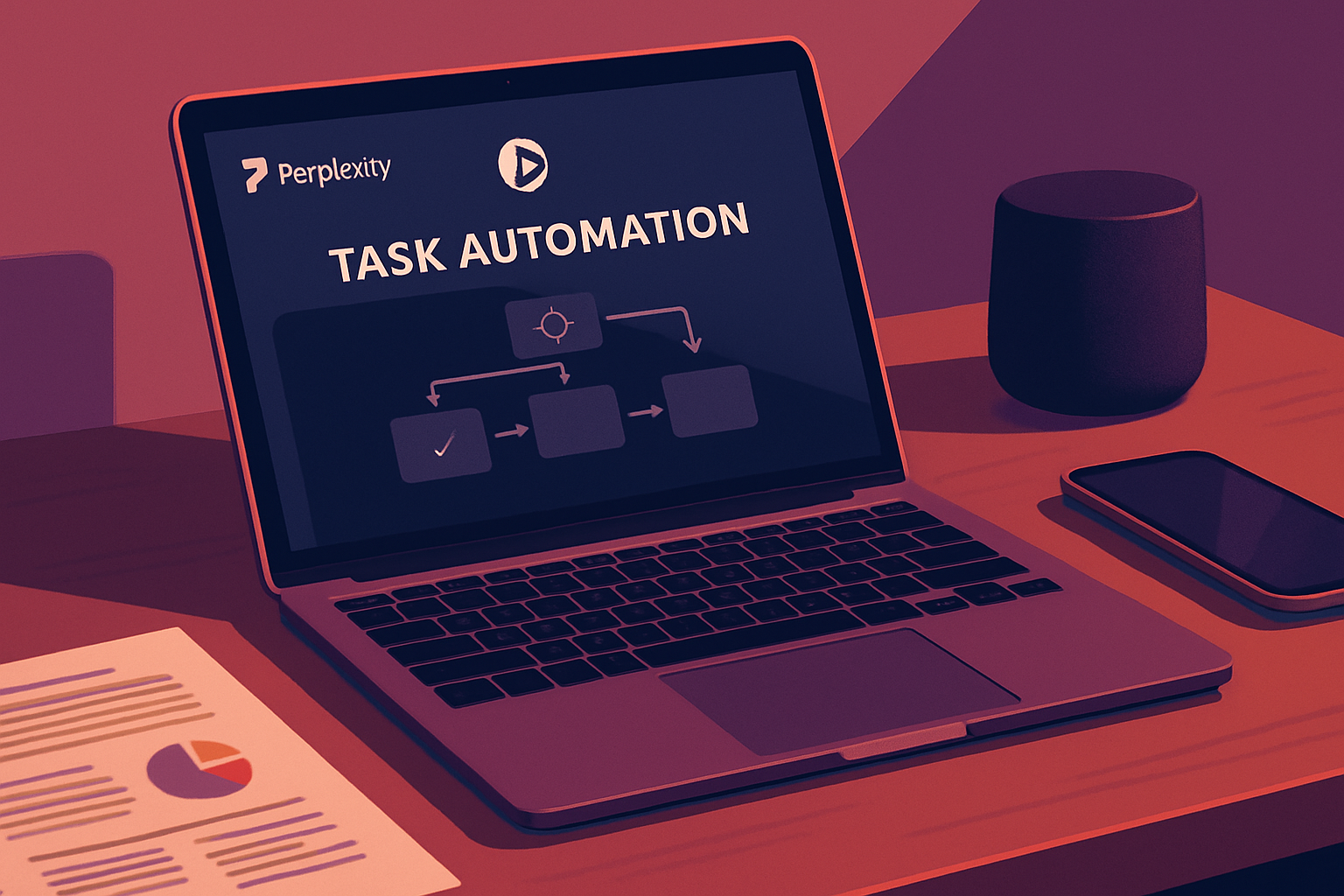
Perplexity: The Agentic AI That Transforms Your Mac into a Personal Assistant
Agentic AI is redefining the way we interact with our computers by automating tasks that would otherwise require a significant investment of time and effort. By connecting directly to your Mac, this AI can manipulate your files, interact with your applications, modify your settings, and utilize various services. Among the solutions garnering increasing interest, Perplexity stands out with its Personal Computer feature integrated into the Mac application.
Initially available only to Perplexity Max subscribers, the Personal Computer feature has recently been expanded to include users on the Enterprise and Pro plans. For those with these subscriptions, simply downloading the Perplexity app allows you to start experimenting with this technology. Once the app is installed, you can connect Perplexity to your files, applications, and services, and assign it tasks to execute autonomously.
Diverse Access Management with Personal Computer
The Personal Computer feature relies on three types of access that enable it to function effectively:
-
Local File Access: The AI can access any folder on your Mac, allowing it to search, view, and create files as needed.
-
Application Control: It can interact with all the native applications on your computer, such as Messages, Notes, Mail, Maps, Photos, and Settings, to accomplish various tasks.
-
Access to External Services: By connecting to services like OneDrive, Google Drive, Box, and Dropbox, Perplexity can manage your files stored in the cloud.
To browse the web, Personal Computer uses Safari or another standard browser. However, for more complex interactions with websites, such as filling out forms or clicking buttons, it is necessary to install Perplexity's Comet browser.
Le brief IA que les pros lisent chaque soir
Les 7 actus IA du jour, décryptées en 5 min. Gratuit.
Inclus dès l'inscription : notre sélection des meilleurs guides & comparatifs IA.
Choisissez votre rythme
Gratuit · Pas de spam · Désabonnement en 1 clic
To initiate a session, simply click the Perplexity icon in the Dock. By pressing both Command keys simultaneously, a small session window opens, allowing you to type or dictate your request. Additionally, a voice conversation can be initiated with the AI to discuss tasks to be completed.
Tasks Assigned to Perplexity
Here’s an overview of the tasks I assigned to Perplexity and how Personal Computer handled each of them:
-
Creation of a Language Practice Tool
I asked Perplexity to develop a tool for practicing Italian, focused on common phrases. The process took about 15 minutes, resulting in an interactive tool that allowed users to see and hear different phrases in Italian. -
Document Transformation
I tasked Perplexity with converting a Word document, used as material for an eBay course, into a PowerPoint presentation. The AI generated an organized presentation and, upon request, added colors and images. -
Translation and Audio File Creation
I provided an article in English for Perplexity to translate into Italian while creating a bilingual study document and a text-to-speech audio file. Although the AI had a slight issue accessing the original document, the rest of the process went smoothly. -
Collaboration with Third-Party Services
I asked Perplexity to create a file from data on Google Drive and collaborate with two third-party file services. The AI successfully created and copied an Excel spreadsheet into my Box folder without difficulty. -
Email Analysis and Summarization
I tasked Perplexity with scanning a folder in Outlook for emails on a specific topic and providing a summary. Although the AI struggled to locate the exact folder, it nonetheless found the required emails and provided a clear summary.
Promising Performance
Overall, the Personal Computer capability of Perplexity impressed me. Despite a few necessary adjustments, the AI effectively addressed the complex tasks I assigned to it. For my upcoming challenging tasks on Mac, I will not hesitate to turn to Perplexity again.
Brief IA — L'actualité IA en français
L'essentiel de l'actualité de l'intelligence artificielle, décrypté et expliqué chaque jour.