Qwen3.8-27B Installed Locally with 24GB of VRAM
Le brief IA que les pros lisent chaque soir
Les 7 actus IA du jour, décryptées en 5 min. Gratuit.
Inclus dès l'inscription : notre sélection des meilleurs guides & comparatifs IA.
Choisis ton rythme
Gratuit · Pas de spam · Désabonnement en 1 clic
Deploying Qwen3.8-27B as a local coding agent involves a sequence of three commands using Ollama and OpenCode. The model packaged by Ollama weighs about 18 GB and can fit entirely on a GPU with at least 24 GB of VRAM, with the option to offload to RAM (32 GB recommended) if necessary. The installation consists of setting up Ollama, starting its server to retrieve the model, and then launching OpenCode with Qwen3.8-27B already selected.
To fit on the GPU, 24 GB of VRAM is targeted and 32 GB of RAM is recommended
The Qwen3.8-27B model packaged by Ollama weighs approximately 18 GB. At this size, it can reside entirely in the VRAM of a GPU with 24 GB, leaving some room for context and execution overhead. In practice, 24 GB of VRAM is aimed for to keep most, if not all, of the model on the GPU. Increasing the context window requires more memory. If the VRAM is insufficient, Ollama can distribute the weights between VRAM and system RAM: this mode remains functional but results in slower generation. A minimum of 32 GB of system RAM is recommended, especially when portions of the model are offloaded from the GPU. The reference example uses an RTX 3090 with 24 GB of VRAM. The described approach targets beginners and non-technical users, while some prefer llama.cpp for finer control over inference, performance, or quantization.
Three commands install Ollama, retrieve the model, and launch OpenCode
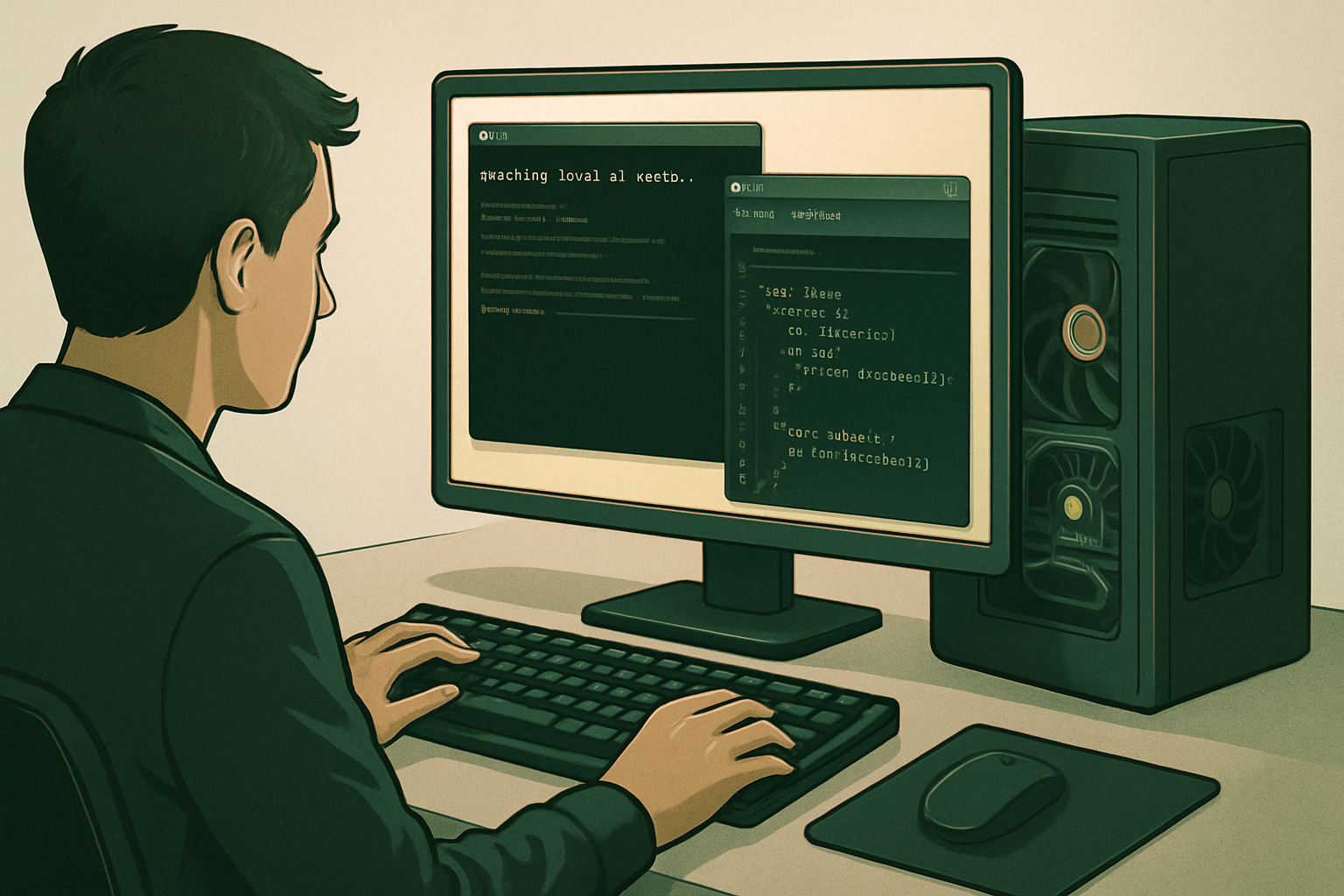
The procedure consists of three lines executed in a terminal. First, Ollama is installed via the command provided by the publisher. Next, the Ollama server is launched in the background, and the Qwen3.8-27B model is downloaded locally; this step starts the service and retrieves the model files, and it is useful to keep the terminal open to monitor the logs. Finally, OpenCode is launched with Qwen3.8-27B already selected; if the tool is not present, Ollama offers to install it and then opens its interface with the model ready to use.
Ollama serves the model and OpenCode provides the agentic environment
Once set up, Ollama manages the model locally while OpenCode provides the agentic workspace. The user can then submit coding tasks. During the first request, there is a loading time as the model is brought into memory; this behavior can be observed in the terminal where the server is running. A quick check of GPU usage is part of the possible verifications in this flow.
The procedure simplifies a previously heavier setup
Bringing a large model online as a local coding agent previously involved creating inference servers, configuring endpoints, and manually assembling components. The trio of Qwen3.8-27B, Ollama, and OpenCode is presented as a more straightforward approach that condenses this process into a few commands.
Brief IA — L'actualité IA en français
L'essentiel de l'actualité de l'intelligence artificielle, décrypté et expliqué chaque jour.