Windows Revolutionizes Assistance: Copilot Decodes Your PC Settings
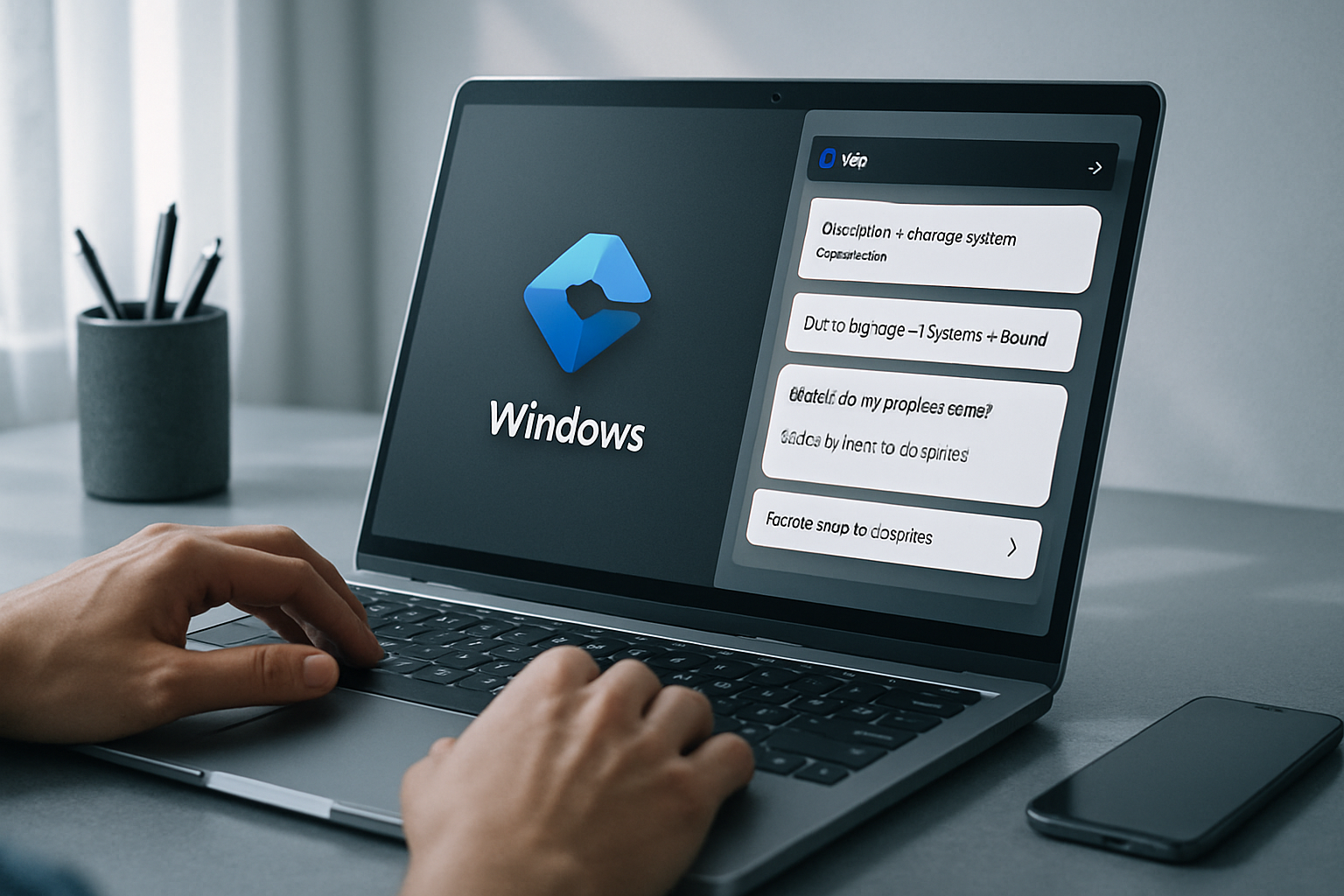
A New Era for Windows Assistance with Copilot
Microsoft has recently launched an innovative feature for its Copilot application on Windows, called PC Insights. This new addition allows users to ask specific questions about their operating system, settings, and much more, providing personalized and accessible assistance.
The Capabilities of PC Insights
The PC Insights feature of Copilot is designed to deeply analyze users' Windows environments. With this capability, users can query Copilot about various aspects of their system, whether it concerns hardware, software, or specific settings. The main goal is to provide crucial information without the user having to painstakingly navigate through menus and system settings.
Finding a solution to a problem on Windows or simply locating a particular setting can often prove complex. Microsoft aims to simplify this process through the integration of Copilot's artificial intelligence, which seeks to make this information easily accessible.
Practical Use of PC Insights
To take advantage of this new feature, users must first ensure that the Copilot application is installed on their Windows system. Once the application is launched, they can ask questions directly about their Windows environment. Microsoft has provided some examples of questions that Copilot can handle:
- "What is the health of my battery?"
- "What is my BIOS version?"
- "What is my current CPU usage?"
- "What network adapters does my PC have?"
- "Do I have enough storage for a large game or application?"
- "Is my printer online?"
Le brief IA que les pros lisent chaque soir
Les 7 actus IA du jour, décryptées en 5 min. Gratuit.
Inclus dès l'inscription : notre sélection des meilleurs guides & comparatifs IA.
Choisis ton rythme
Gratuit · Pas de spam · Désabonnement en 1 clic
To answer these questions, Copilot will request permission to access the necessary system information. Users can choose to grant this permission for a single request, permanently for similar requests, or deny it for the current session. A session remains active until the application is closed or the computer is restarted.
The Limitations of PC Insights
While PC Insights is a significant advancement for obtaining help on Windows, there are limitations to what artificial intelligence can accomplish. According to Microsoft, Copilot is capable of answering questions about the system and files, clarifying technical information, and explaining what is happening on the PC. However, it cannot resolve issues or make system changes autonomously, nor can it automatically execute specific troubleshooting steps. Once a problem is identified, it is up to the user to take the necessary actions to resolve it.
Despite these limitations, PC Insights represents a convenient way to obtain information about Windows. With direct access to system components and settings, Copilot is well-positioned to help users better understand their computing environment.
Availability of the Feature
The rollout of PC Insights is underway, and you may need to wait before you can take advantage of it. During tests conducted on a primary laptop running Windows 11 and two virtual machines, the feature was not yet available. However, once accessible, it promises to be a valuable tool for Windows users, eager to see how it works in practice.
Brief IA — L'actualité IA en français
L'essentiel de l'actualité de l'intelligence artificielle, décrypté et expliqué chaque jour.